 Rachel Lee Nabors [X](https://twitter.com/nearestnabors) [GitHub](https://github.com/nearestnabors) [LinkedIn](https://www.linkedin.com/in/nearestnabors) [Bluesky](https://bsky.app/profile/nearestnabors.com) [Homepage](https://nearestnabors.com/)
Published: November 10, 2025
When building websites and web apps with AI, you may have prototyped with a
[large language model (LLM)](https://web.dev/articles/ai-overview#model_types), such as
ChatGPT, Gemini, or Claude, then deployed that implementation to production.
An LLM is a type of *foundation model*, a very large, pre-trained model, that is
resource-intensive, expensive, and often not the best tool for
the job. Smaller, local, task-specific models consume fewer resources and often
deliver better, faster responses at lower cost than a "one size fits all"
foundation models.
When you choose a better model, you're choosing a more sustainable approach,
which we'll call *right-sized AI*. Right-sized AI delivers:
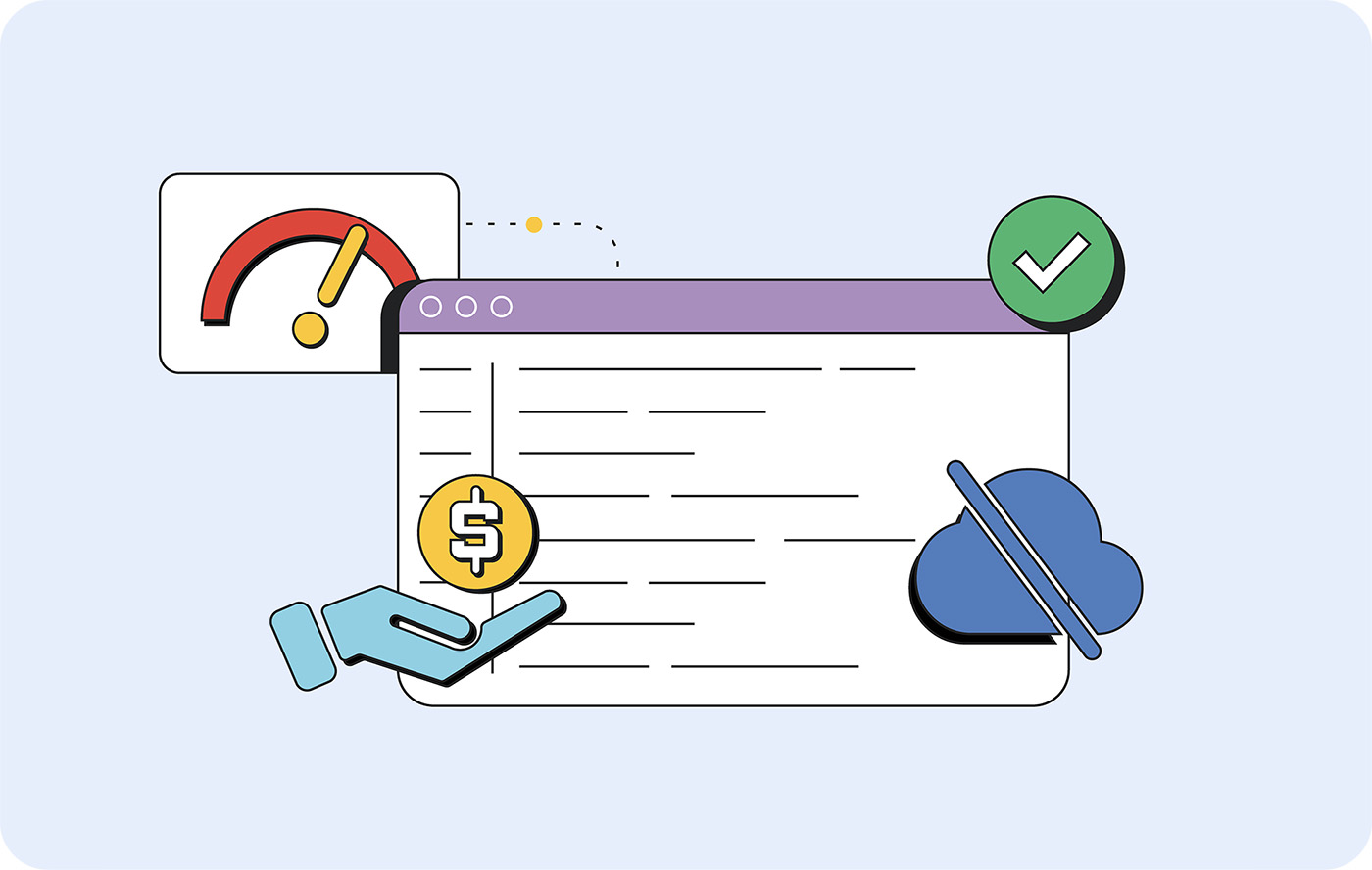
- **Lower latency for users** when models run locally, instead of round-tripping to distant servers.
- **Decreased API costs** when you're not paying for unused capabilities.
- **Offline app access** to client-side, on-device models, creating more reliable experiences.
While foundation models excel at general reasoning and conversation, using them
for specific tasks (such as text classification or data extraction) is like
using a Formula 1 car to get McDonald's. It's technically possible, but very
inefficient (and uncomfortable for your passengers). Instead, match your
implementation to your actual needs.
Sustainable AI practices and optimal user experiences aren't competing
priorities. They're the same priority expressed differently.
One way to evaluate the [environmental impact of AI](https://web.dev/articles/right-sized-ai#impact-research) is:
- **Training**: Initial model training requires significant resources. This optimization and "learning" is managed by the model provider.
- **Inference**: You perform inference when you provide a trained model with new input (aprompt) to generate an output (the response text). Compared to training, inference uses substantially fewer resources.
> [!IMPORTANT]
> **Key Point:** To better illustrate this comparison, read [Mistral's report on their environmental impact](https://mistral.ai/news/our-contribution-to-a-global-environmental-standard-for-ai). They've quantified impact based on greenhouse gas emissions, water use, and resource depletion. [Google has released a paper](https://arxiv.org/pdf/2508.15734) on impact, as well.
Training is a fixed cost, but the cost of inference scales with usage, which
makes model choice a key factor that you can control. You can make informed
choices for your use case and for the planet, supporting responsible AI
development.
## Implement user-first AI
Instead of building model-first AI, build user-first AI. Consider what tasks AI
could perform that would make your app easier to use or reduce your users'
workload or the amount of context switching they must do.
For example, say you run a business called Rewarding Eats, which gives
points to users for dining out at certain restaurants. You could use AI to scan
a receipt image for the restaurant's name and total spend, rather than requiring
your customers to enter it manually. This feature would likely improve your
application's user experience.
When building user-first AI:
1. **Define your task requirements**. What tasks does the AI need to perform? Are they entirely text-based or do they involve audio or visual components?
2. **Pick the appropriate model**. Different models are more efficient at different tasks and often have smaller footprints.
3. **Understand your deployment constraints**. Where does it make sense for the model to live? Where will the data be located? Will the user have a reliable connection?
4. **Implement with progressive enhancement** for the snappiest, most secure user experience.
### Define your task requirements
Rather than looking for "places to use AI" or "AI features to add," you should
ask, "What would a frictionless experience look like?" Depending on how big your
company is, this should be a conversation had with product managers.
Take our example app, Rewarding Eats. The first question to ask is:
"Do we need AI for that?"
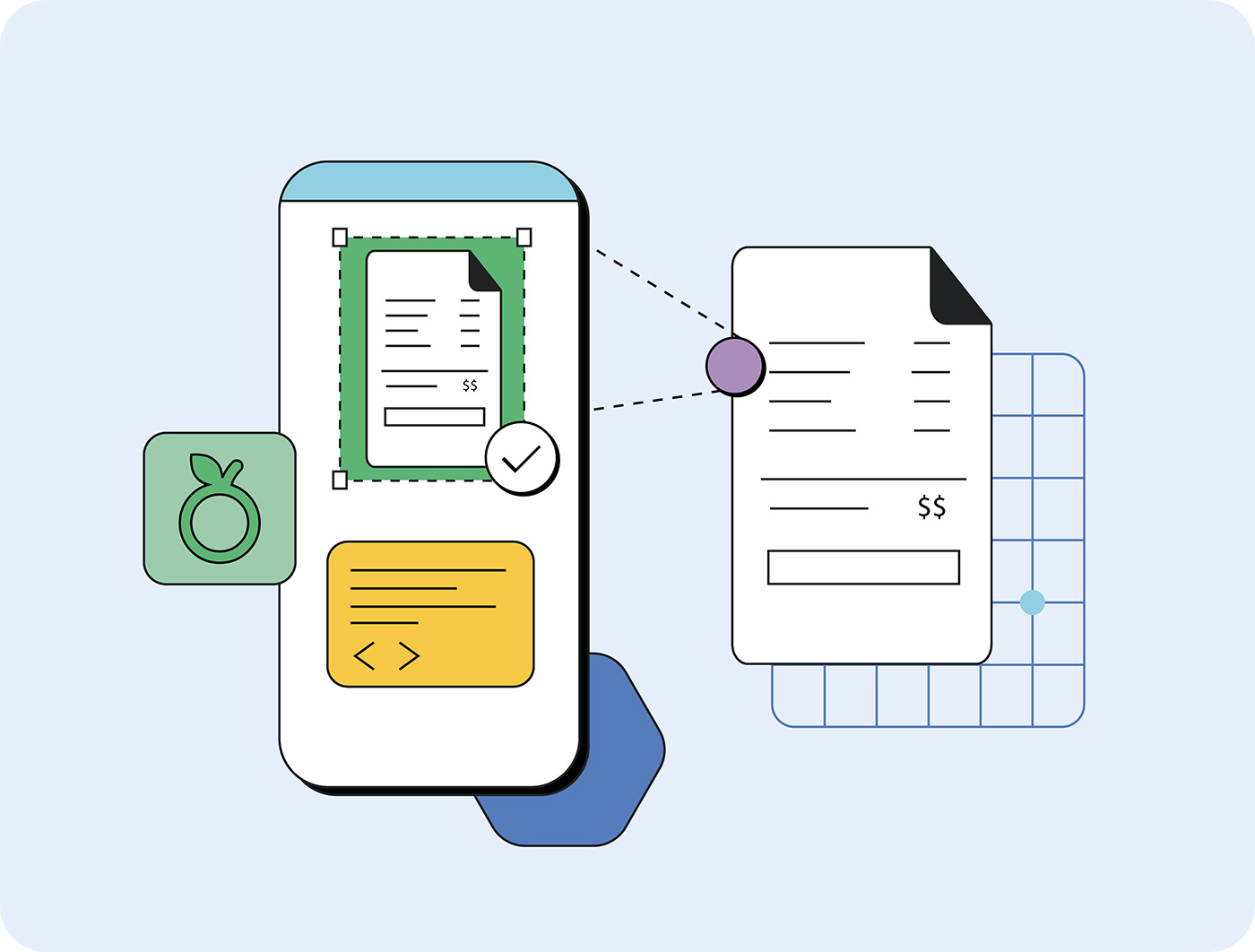
A foundation model *could* draft an expense from a receipt, with some prompting.
But a more efficient way to handle this doesn't require a big model at all.
Use Optical Character Recognition (OCR) to parse the text from the image and
pass it to a task-specific model like a text classification model to identify
the items and costs from the parsed text. This can be done on the user's device,
without sending any data to servers.
In most cases, if you believe you need a foundation model, you probably
need to break the problem down into separate tasks.
### Pick the appropriate model
Once you know which tasks you're trying to complete, you can pick the right
model type and model for the job. While it's easier to reach for a Foundation
model, smaller models get the job done faster and cheaper. When you understand
your task, you can choose the right small, task-specific model to handle the
work.
There are many different kinds of model types and models available, so read the
[deep dive on selecting models](https://web.dev/articles/ai-model-selection) to determine the
right choice for your project.
### Choose the right location for your model
While foundation models are too large to live on even the most powerful
desktops, [smaller LLMs](https://web.dev/articles/llm-sizes#when-to-use), small language models
(SLMs) and task-specific models can be run on many devices.
| Model type | Already on-device (client-side) | Download to device | Server-hosted model |
|---|---|---|---|
| **Task-specific model** | Not recommended | Not recommended | Recommended |
| **Small language model (SLM)** | Recommended | Recommended | Recommended |
| **Foundation models** | Not recommended | Not recommended | Recommended |
SLMs are convenient but uncommon. There are billions of mobile phones, and only
the most recent and more expensive models are capable of running local SLMs.
That's a small percentage of the market.
Use this matrix to determine the best location for your model:
| Metric | Client-side / Local | Server-side / Remote |
|---|---|---|
| **Connectivity** | Offline mode required, spotty networks, secure facilities | Always-online environments |
| **Data location** | Processing user photos, text input, personal files | Working with server-side documents, databases |
| **Usage pattern** | High-frequency calls (chat translation, real-time analysis) | Occasional complex tasks |
| **Bandwidth** | Mobile users, rural areas, large file outputs | Unlimited broadband, small responses |
| **Privacy and security** | Regulated data (healthcare, finance), strict compliance | Standard business data, established security infrastructure |
| **Battery impact** | Desktop apps, power-tolerant use cases | Mobile apps with limited battery |
### Client-side inference, progressive enhancement, and hybrid
With libraries like [TensorFlow.js](https://www.tensorflow.org/js/guide/save_load),
[Transformers.js](https://github.com/huggingface/transformers.js-examples), and
[ONNX.js](https://onnxruntime.ai/docs/build/web.html), your applications can
perform client-side inference with user data. You convert your model to the
appropriate format, then host it remotely or embed it directly in your app. The
best user experience uses a seamless mix of preloaded, downloadable, and remote
models, so users can get work done without compromise.
Even if using a remote, cloud-hosted model is preferred for security (or size
needs), making sufficient local models available when connectivity is lost can
create a flexible experience.
> [!TIP]
> **Tip:** [Firebase's guide to building hybrid AI](https://firebase.google.com/docs/ai-logic/hybrid-on-device-inference?api=dev) demonstrates how to build with a local and remote model to use the [Prompt API](https://developer.chrome.com/docs/ai/prompt-api).
Ultimately, there are three approaches to model deployment. Choose the best
one for your needs.
- **Local-first:** App has offline requirements, high-frequency use, sensitive data.
- **Remote-first:** Complex reasoning, large models, infrequent use.
- **Hybrid approach:** Download small models while using APIs, switch when ready.
## Your next steps
Technology often follows implementation. The best way for developers to
influence the direction of the industry, in favor of a better experience for the
user and a better outcome for our world, is to:
- **[Pick the right tool for the job](https://web.dev/articles/ai-model-selection)** . Smaller models consume fewer resources and often perform as well as large models, with the help of [prompt engineering](https://web.dev/articles/practical-prompt-engineering). They have reduced latency.
- **Require inference and training cost transparency**. Advocate for your company to prioritize models that disclose these numbers.
- **Place the model near the data** to reduce the cost of round-trips to a server.
- **Use what's already available**. If there are already models on-device, favor those models first.
> [!TIP]
> Are you building right-sized AI applications? The web.dev AI
> team wants to hear from you! Share with us on
> [Bluesky](https://bsky.app/profile/developer.chrome.com) or
> [Twitter](https://twitter.com/ChromiumDev),
> [file a request for content](https://issuetracker.google.com/issues/new?component=1400680&template=1964263),
> or set up one-on-one office hours with the
> [Web.dev AI Team](https://web.dev/articles/ai-team).
## Resources
If you want to take a deeper look into these topics, I used the following
resources to write this piece. They make for excellent reading.
### Model performance and research
- [Small Language Models are the Future of Agentic AI (NVIDIA Research Paper)](https://arxiv.org/pdf/2506.02153): Supporting research on SLM capabilities
- [Mistral's Environmental Impact Audit](https://mistral.ai/news/our-contribution-to-a-global-environmental-standard-for-ai): Training and inference cost transparency
- [Google's Inference Cost Study](https://cloud.google.com/blog/products/infrastructure/measuring-the-environmental-impact-of-ai-inference): Environmental impact measurement
- [Nature Study: AI versus Human Environmental Impact](https://www.nature.com/articles/s41598-024-54271-x): Comparative analysis of AI and human task completion
- [AI Environmental Impact Discussion](https://andymasley.substack.com/p/a-cheat-sheet-for-conversations-about): Context on environmental discourse
### Implementation and development tools
- [TensorFlow.js Model Loading](https://www.tensorflow.org/js/guide/save_load): Client-side model deployment
- [Transformers.js Examples](https://github.com/huggingface/transformers.js-examples): Browser-based model inference
- [ONNX.js Runtime](https://onnxruntime.ai/docs/build/web.html): Cross-platform model deployment
- [Firebase Hybrid AI Guide](https://firebase.google.com/docs/ai-logic/hybrid-on-device-inference?api=dev): Local and remote model integration